Key System Guide
A step-by-step guide with visuals on how to obtain a free msdoors key.
Important Notices
By using/purchasing msdoors products, you automatically agree to the Terms of Service. Violating any of these terms will result in temporary/permanent blacklist from all current and future msdoors products.
Attention user, before we begin, if you are using any type of VPN/AD BLOCK/BYPASS SCRIPT you must disable it, otherwise msdoors will block the user for a certain period of time for attempting to bypass it.
Make sure your executor supports the msdoors client loader.
If you recieve any pop-up ad, just close it. (We do not control the content of the ads. )
Available Key Providers
- lootlabs(Loot-links): 1 task --> 48 hours of free access
- Worink(Work.ink): 4 task --> 3 days of free access
Starting key generation
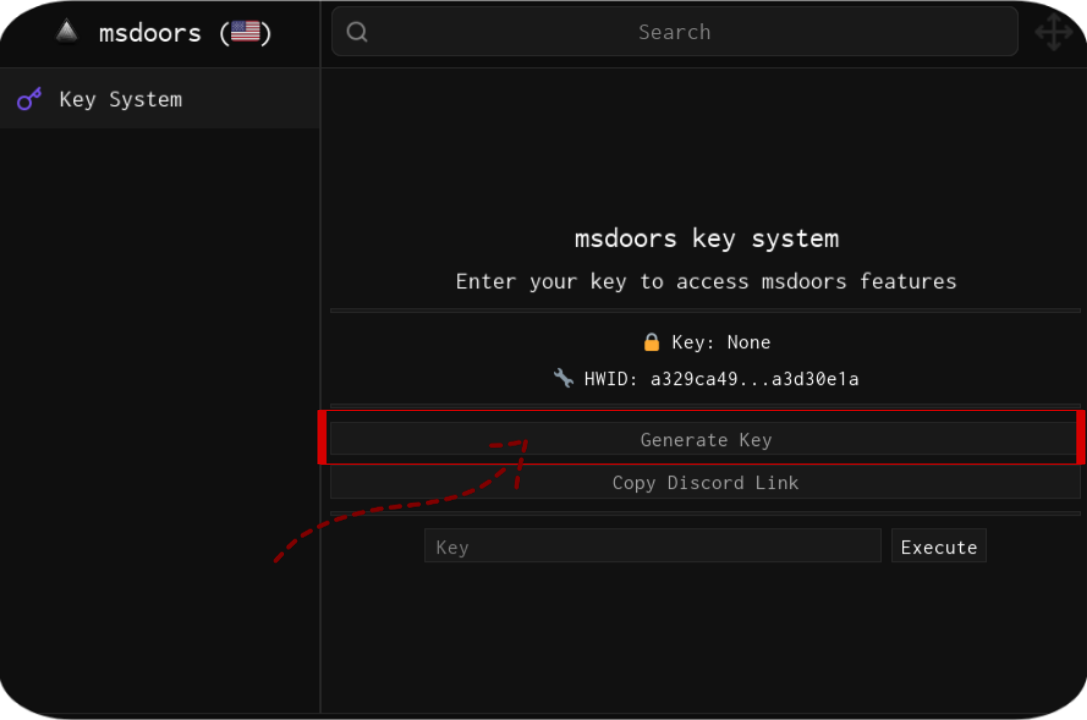
1Get a link to generate a key.
execute msdoors, wait for the menu to appear, and click "Generate Key".
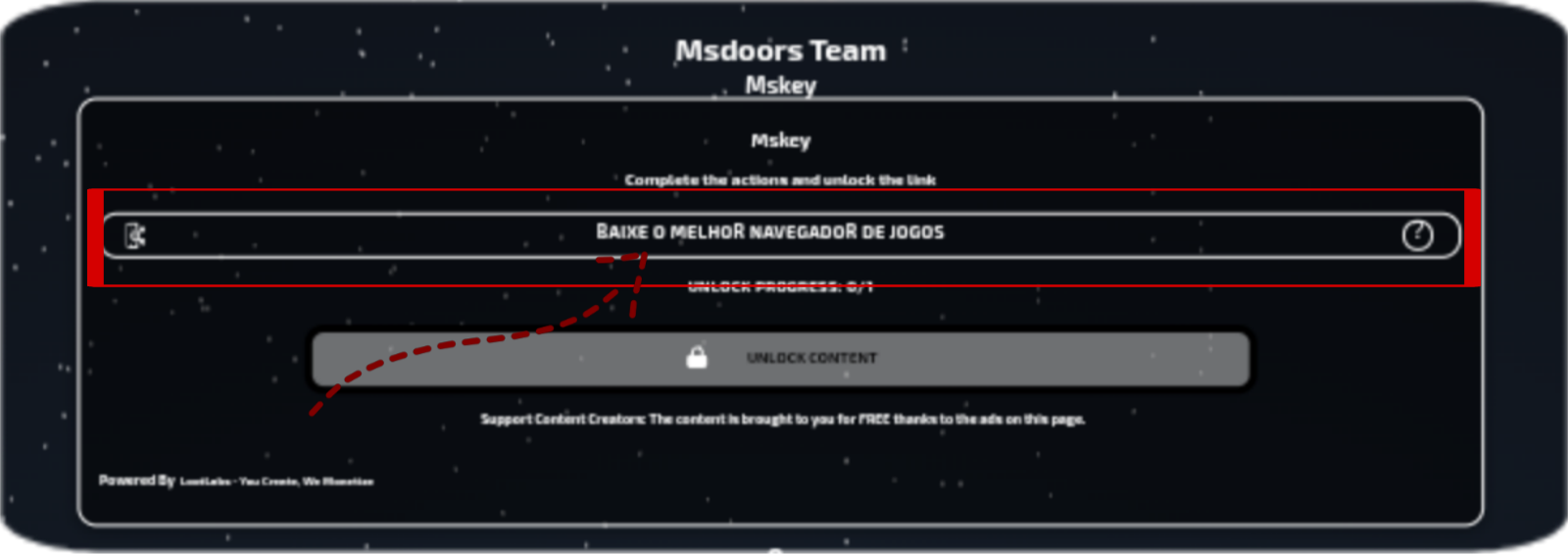
2Complete the Lootlabs tasks.
After obtaining the link and pasting it into your browser, complete the tasks available on Lootlink.
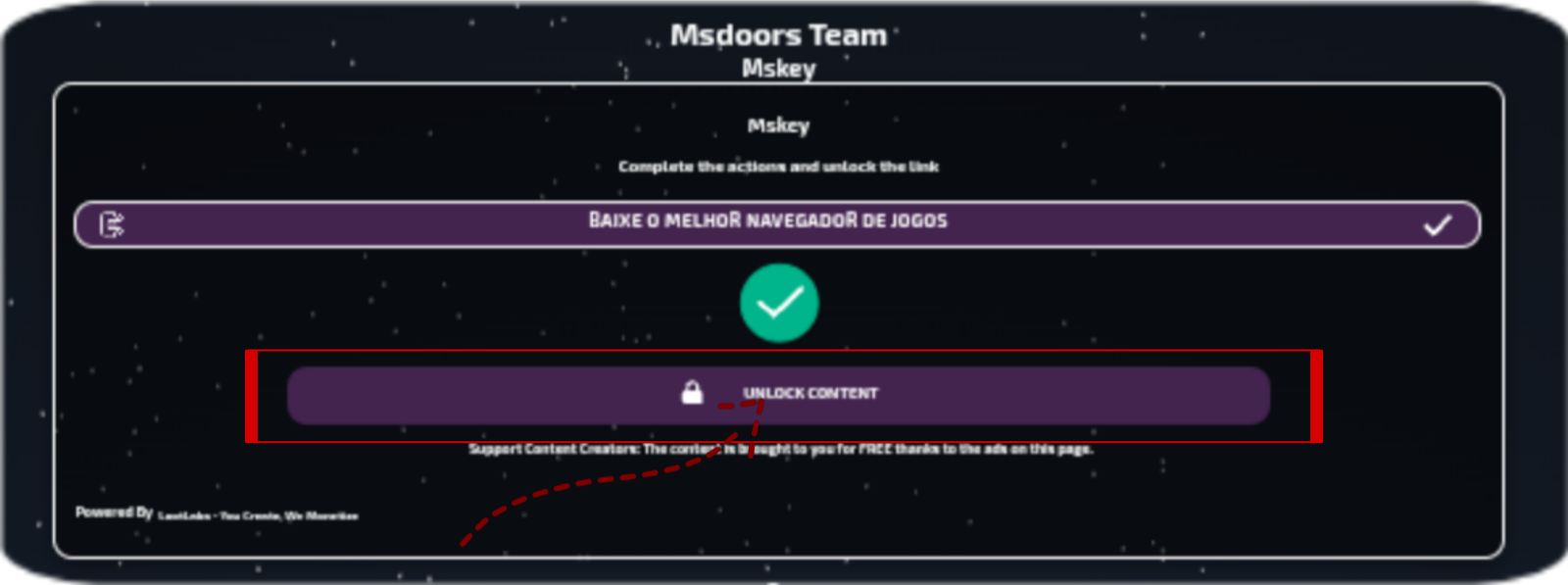
3Tasks completion
After completing the Lootlabs tasks, click "Unlock content".
4obtaining a key
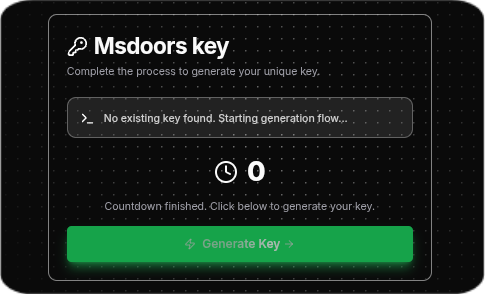
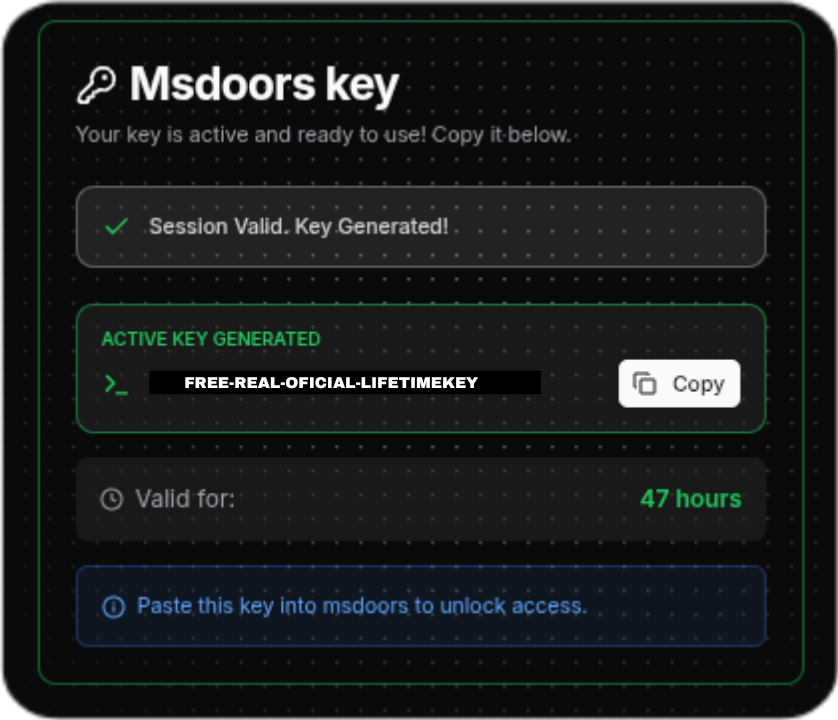
Now, after successfully completing the tasks, wait 10 seconds and click on Generate key; after that, your key will be returned.
wait 10 seconds
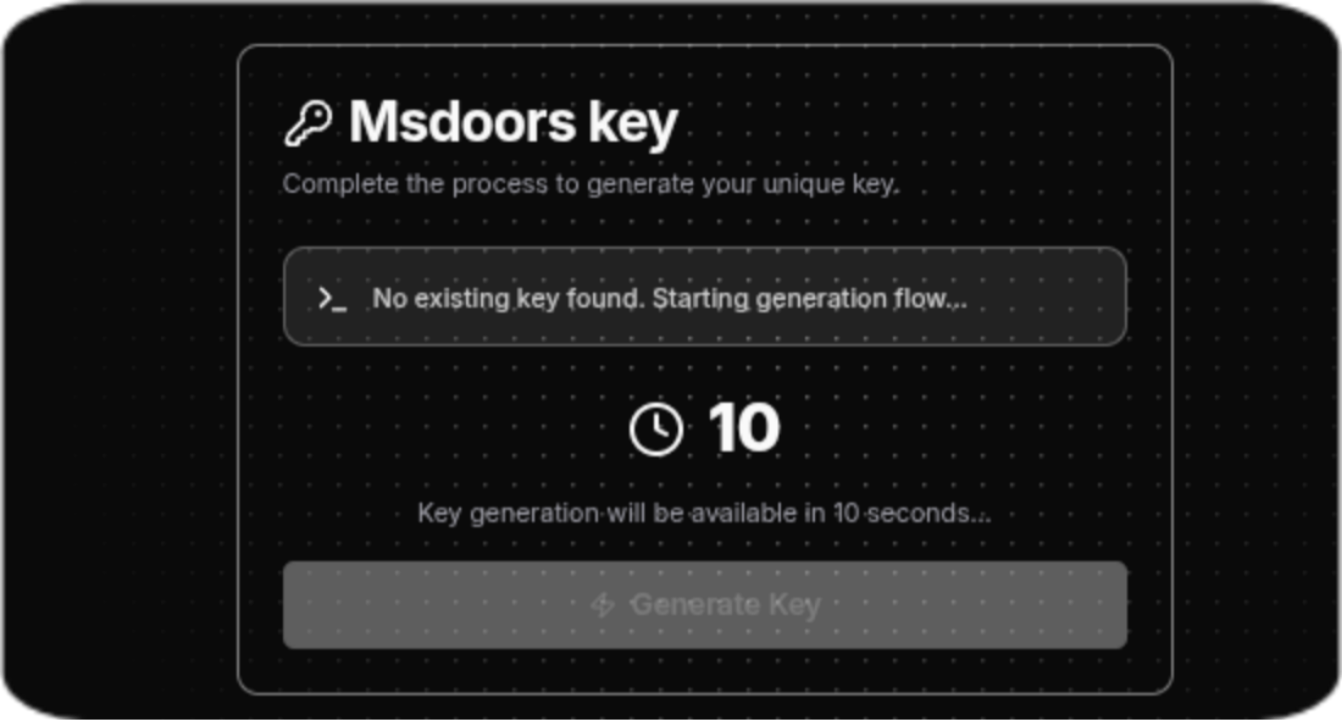
Click on Generate Key
Copy your Key
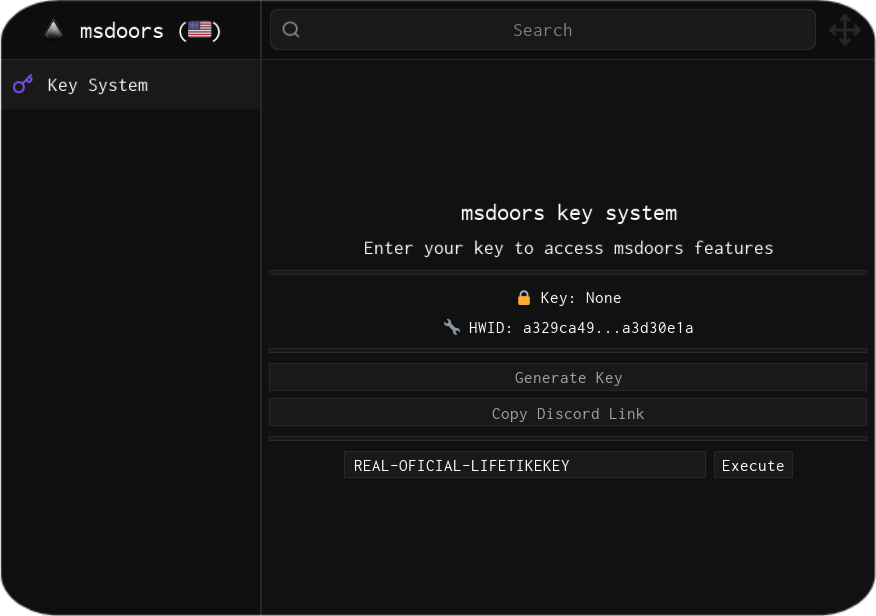
5using the generated Key
Now that you have your key, run the script again and enter your key.
Solving problems in the Key system
- "HWID mismatch" To solve this problem, it's quite simple: this happens when you use your key on one executor/device and then try to use the same key on another executor/device.
1Logging into the user panel
First, you need to log in with your Discord account at msdoors panel.
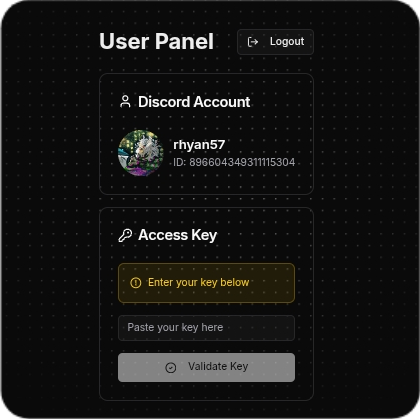
2Syncing your Discord account with your key
After logging in with Discord, a screen will appear for you to enter and validate your key. Copy your current key, enter it in the required field, and click on validate key.
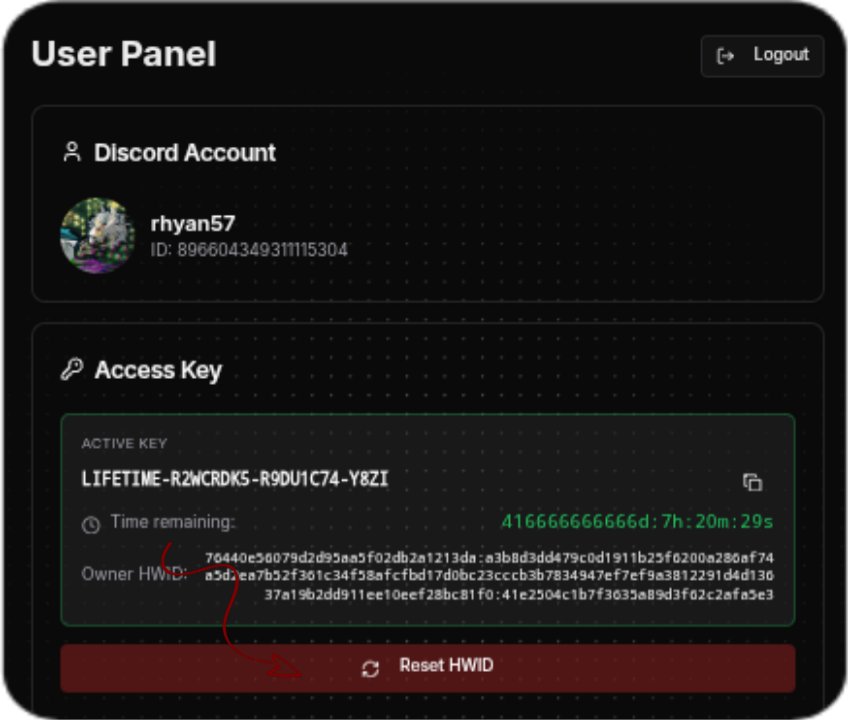
3Resetting your HWID
After the key is validated, a menu will appear showing the remaining time and a button to reset the HWID. Click on it and confirm the action. That's it! Just run msdoors and enter your key again.